




Skip to content

Bank Sync (Europe)

Automatic bank sync on iPhone, iPad and Mac — across Europe

Available for banks in 30 European countries. Outside Europe, use Apple Pay import, Shortcuts or CSV.

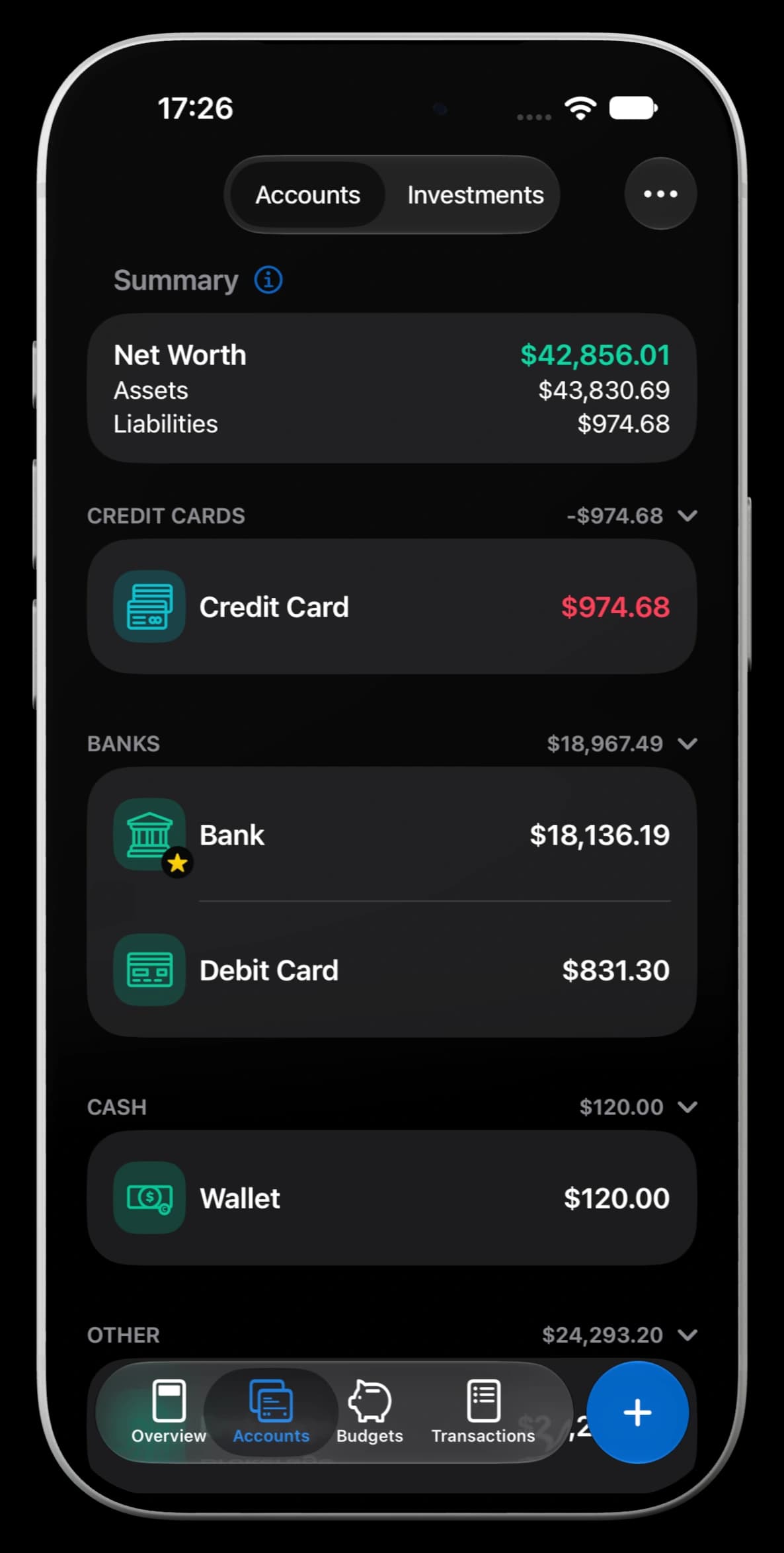
MoneyCoach account overview with connected European bank accounts

How it works

2,800+ European banks in one overview

Connect your current accounts through your bank's own login, and MoneyCoach imports balances and transactions into the same overview as your manual accounts, cash and budgets. The connection is read-only and handled by GoCardless over PSD2-regulated bank APIs. Imported transactions are categorized, counted against your budgets and included in reports like any other entry.

All logos, trademarks, brand names, service marks, trade names, trade dress or company names used in this application that are not owned by MoneyCoach UG are the property of their respective owners and are used for identification purposes only. Such use or reference does not imply any product endorsement or affiliation with MoneyCoach UG.

Predictive Spending Categorization

Your transactions, automatically categorized

MoneyCoach learns from your behavior to categorize transactions automatically, eliminating the need for manual rule creation. Simply review your transactions and MoneyCoach will make better predictions over time.

Amazon j12gbdp12bczmx-snz
205.19 €
AppStore.235 1g4cs
39,99 €
Lieferando-sncanqu1dh0281jd
15.24 €
MI
ShoppingAmazon
205,19 €
Apps & GamesApple App Store
39,99 €
GroceriesLieferando
15,24 €

Personalized Learning

The more you use MoneyCoach, the better it understands your spending patterns and preferences.

Smart Suggestions

Get instant, accurate category suggestions based on your transaction history and merchant patterns.

One-Tap Correction

Quickly fix any categorization with a single tap, and MoneyCoach learns from your correction.

We value your privacy

Our commitment to security

Private & Secure

Your data is either stored locally on your device or on your private iCloud server. We cannot see it or access it. Any crash logs we collect is solely for the purpose of making MoneyCoach better for you.

Secure Infrastructure

The provider we use, GoCardless, utilizes official PSD2-regulated bank connections to guarantee the safety of your financial data and ensure the encryption of your personal details.

Read-only Access

The connection is in read-only mode to be able to check your account balance and download lists of transactions. We are not able to initiate payments or manipulate your account in any way.

Protecting Your App

You can secure MoneyCoach with a PIN or FaceID, so that only you can access the app. We also have an optional Incognito Mode, that hides your Overview data when you use the app in public.

What country should we support next?

Bank sync covers 2,798 banks in 30 European countries. If your bank is in a country that is not supported yet, vote for it and help us decide where to expand next.

App screenshot

Manual or connected

You do not have to link a bank to use MoneyCoach

Bank sync is useful when you want automatic imports from supported European banks. If you prefer privacy-first control, or your bank is outside Europe, MoneyCoach also works with manual accounts, Apple Pay import, Shortcuts and CSV import.

CSV import

Import statements from any bank as CSV, then map columns to accounts and categories.

Use CSV import

Bank sync - Frequently Asked Questions

Have a different question and can't find the answer you're looking for? Reach out to our support team by sending us an email and we'll get back to you as soon as we can.

How much transaction history does MoneyCoach import?

Here's a general overview of the data points MoneyCoach imports from your bank.
- Account details: holder name, a list of the account holder's accounts and IBAN.
- Account balance: current and available.
- Transaction data: date, merchant or counter-party (partner) name, description (info field), transaction amount.
When you connect a bank account, MoneyCoach can pull up to 90 days of history. The exact window varies by bank.

How many bank institutions can I connect?

Bank sync is available for banks in 30 European countries. Premium lets you connect up to 4 bank or financial account logins. Premium Max lets you connect up to 8. Each separate login counts as one connection, including multiple logins from the same bank or provider.

Can money be transferred from my bank account?

No. When you connect your bank account, MoneyCoach gets read-only access. MoneyCoach has no access to your money and can't transfer anything to or from your bank accounts.

What happens when the access to my bank account expires after 180 days (or less)?

You will be notified and will have to reconnect your bank account to keep importing transactions.

I have way more history than 90 days. How will MoneyCoach know the real balance of the account?

After pulling the available history, MoneyCoach adds a balancing transaction to the account so that the balance matches what your bank reports.

What happens if I unsubscribe from MoneyCoach Premium?

Bank sync requires a MoneyCoach Premium subscription. If you unsubscribe, you will no longer be able to use bank sync and new bank transactions will not be imported.

How long does it take for transactions to appear in MoneyCoach?

It can take up to 48 hours for a transaction to be available after you've made a purchase.

I can't find my bank on the list.

2,798 European institutions are covered and more are added over time, but it is possible that your bank has not been integrated yet. For the full list of supported banks, browse bank coverage by country. UK banks are not supported, and bank sync is not available outside Europe. In those cases, use Apple Pay import, Shortcuts or CSV import instead.

Will my data be shared with other companies?

No. We'll never sell or provide your data to any third parties.

Is MoneyCoach private?

Yes. Your data stays on your device or in your private iCloud, and MoneyCoach cannot see it. The bank connection itself is handled by GoCardless through PSD2-regulated bank APIs.

Do my transactions get imported even if I'm not using MoneyCoach?

No. MoneyCoach only fetches data from your bank accounts when you open the app. Your bank data is not read in the background, and nothing is fetched if you stop using MoneyCoach.

Can I remove my imported data?

Yes. If you delete the connected account in MoneyCoach, any data that was imported from your bank is deleted with it.

Why is one of my bank accounts missing after I connect with GoCardless?

In some cases, GoCardless does not receive all accounts from the bank API.
Common reasons include:
- The account is not a payment account (for example: some savings, credit card, or investment accounts).
- The account has no transactions in the last 180 days (or no transaction history at all for some banks).
- The account holder details do not match the user who granted consent.
- The account is hidden, closed, or deleted in your bank profile.
- The account is not visible in your bank's own online banking or mobile app.

Are savings, credit card, and investment accounts always available through GoCardless?

No. Some banks only expose payment accounts via their PSD2 API. This means certain savings, card, or investment accounts may not appear even though they are visible in your bank app.

Why can a joint account or co-owned account be missing?

GoCardless returns accounts based on owner details provided by the bank. If the first and last name of the authorized user do not match, or if the bank does not send owner details for that account, the account may not be returned.

What should I check before contacting support about a missing account?

Please verify these first:
- The account is active, visible, and not hidden in your bank's own app/web portal.
- The account has at least one recent transaction.
- You connected using the same personal details registered at the bank.
If everything looks correct and the account is still missing, contact support and share your bank name plus account type. For GoCardless reference, see this article.

Does bank sync work in the US, the UK or outside Europe?

No. Bank sync covers banks in 30 European countries only; the UK is not included. Outside Europe, MoneyCoach still tracks everything: import Apple Pay and Wallet transactions with Apple Pay import, automate entries with Shortcuts, or bring in statements with CSV import. Manual accounts work everywhere.

Which Apple devices support bank sync?

Bank sync is built into MoneyCoach for iPhone, iPad and Mac. The connection is authorized through your bank's own login flow.