Less moneystress.More life.
Bring your money life together. Accounts, spending, bills, budgets, goals and net worth. Made for your Apple world.

A little clarity.
A lot more calm.
All your accounts.
One beautiful view.
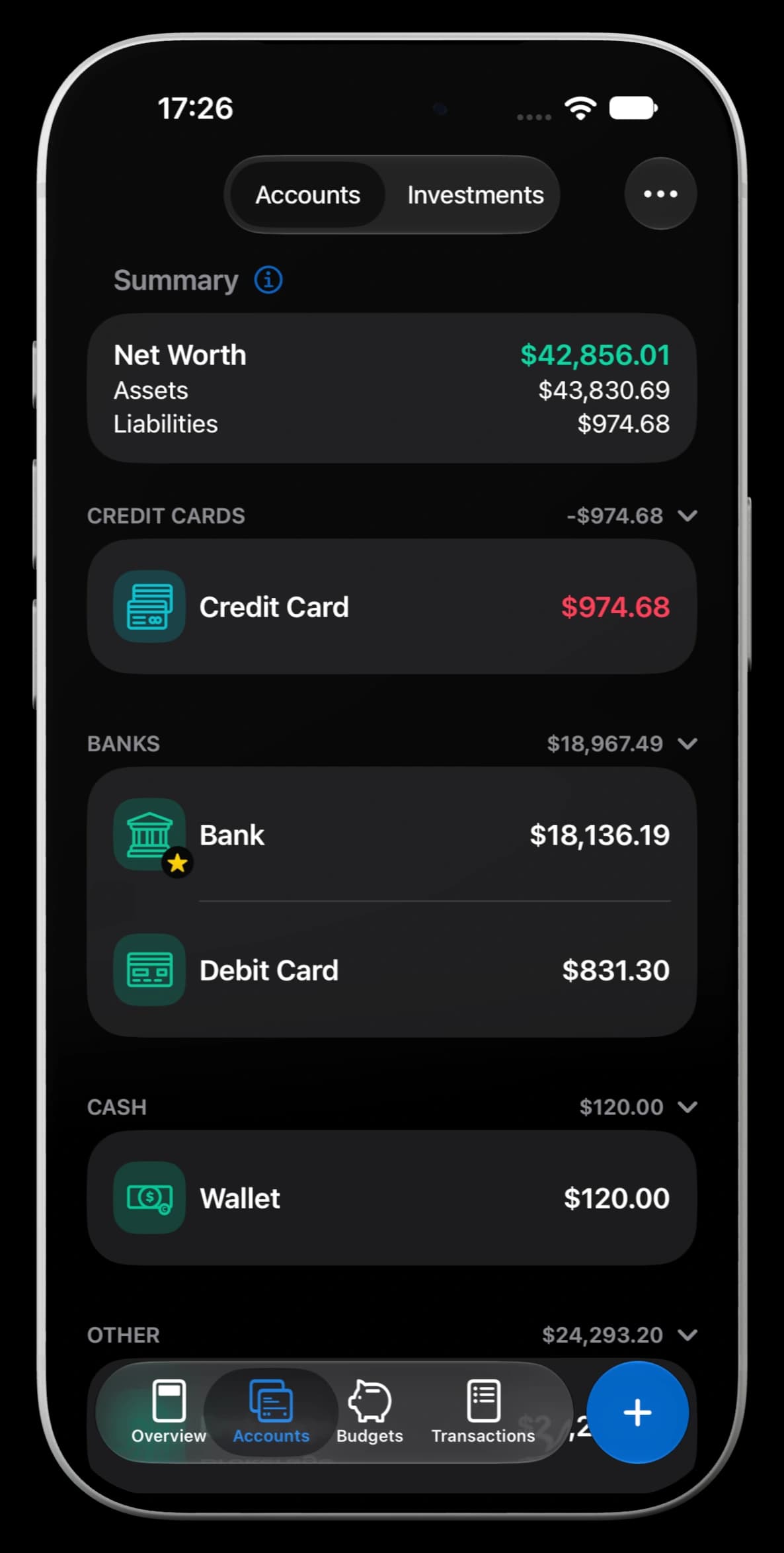
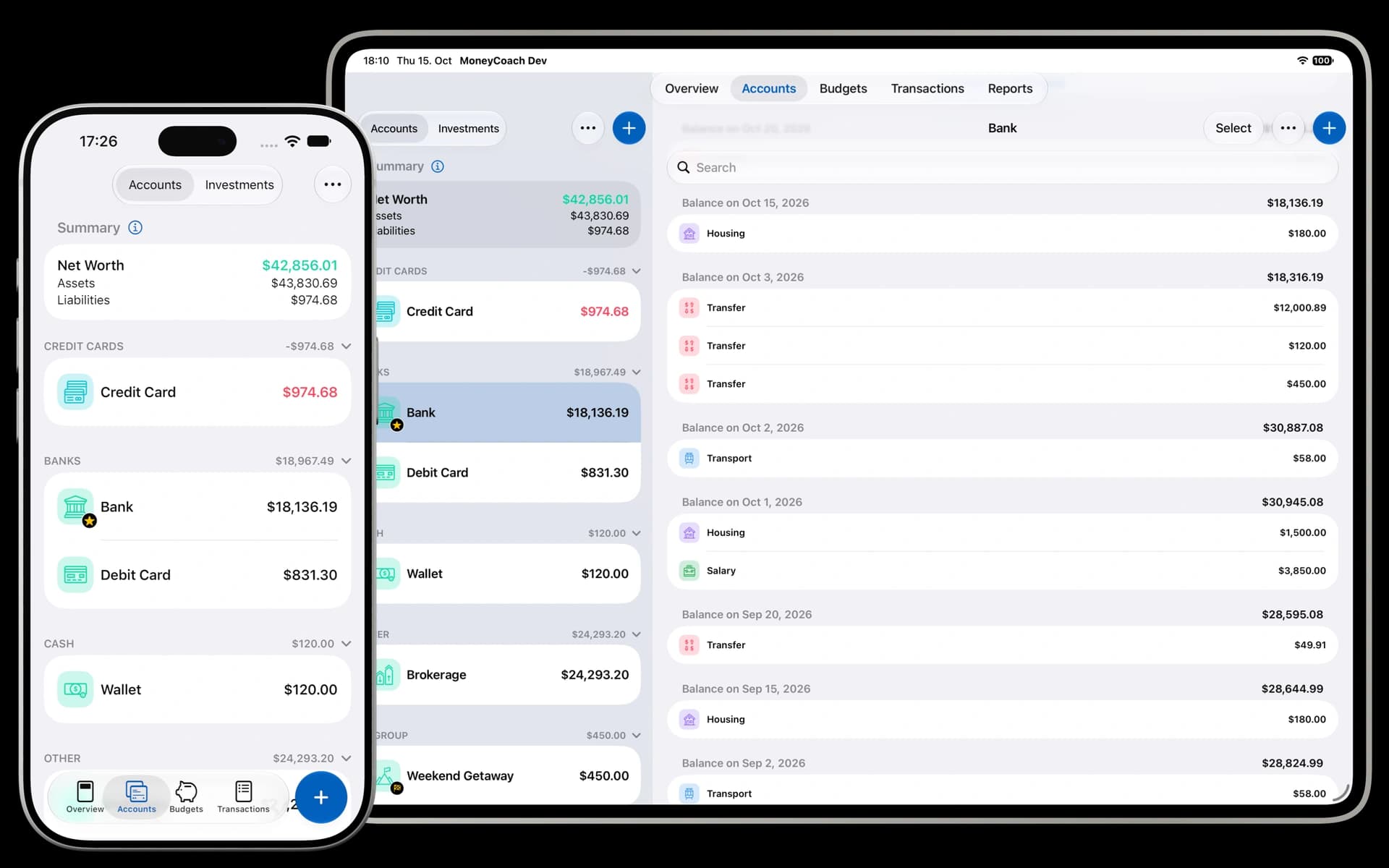
Connect supported banks in the US and Europe, alongside cash and manual accounts. See your balances, transactions and net worth together.
- United States
- Via Plaid
- Europe
- Via GoCardless
- Canada
- Coming soon
Availability varies by bank and account. A bank connection is optional.
Illustrative bank logos. Check bank and account availability in MoneyCoach. MoneyCoach Accounts shown with example data.
Explore bank connections

Made for
iPhone Duo.
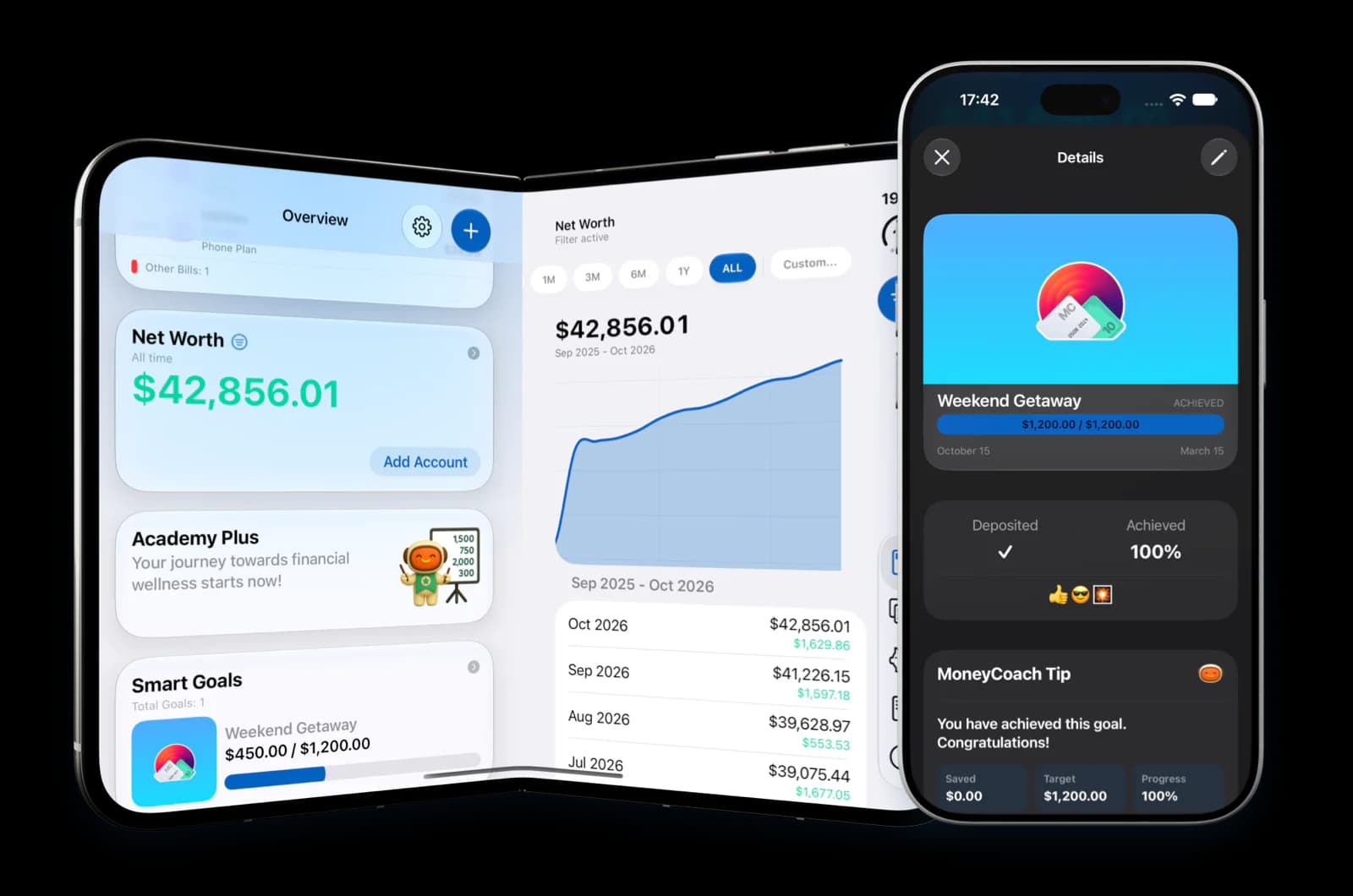
Meet the MoneyCoach Wallet. Only on Duo.
A new home for your money, with room to see more.
Explore MoneyCoach for DuoWhat MoneyCoach
users are saying.
From the App Store community.
MoneyCoach is near perfect! Clear and simple interface. Not overly complex. A great way to get instant insight into how much you currently have, and where. Saving money almost feels like a game. It didn't take long to get into the habit of logging every transaction, and I can already see the benefit of having all my transactions recorded. I'm less inclined to splurge, and I can see exactly what I can and can't afford. Other apps I have tried work great for specific scenarios, but only MoneyCoach applies to everyday life so efficiently. Most category's are already available, but the ability to add subcategories is where it really shines. My only wish for the future is a more feature rich options for .csv exporting.
"MoneyCoach is a fantastic app! It's really helping me get a handle on my finances." I've tried many budgeting apps, but MoneyCoach is definitely one of the best. Very useful features, love the user interface, makes budgeting simple and straightforward. Five stars for MoneyCoach!
I love this app, I’ve only been using it for a day. I don’t think ill find another app better than this. It allows you to add income and expenses, you can see graphs and charts over time when data is added. You can add your bank account balances. It’s a great way to manage your finance a better way. I really recommend buying the app for the subscription.
I really love the user interface of this app. It’s intuitive and has genuinely helped me manage my financial planning much more effectively. Highly recommended for anyone looking to get their budget on track.
I’ve been using this app for a week now and it’s been a really good experience. The best thing I love about it are the shortcut Actions which you can add in iOS which makes manually adding transactions a trivial thing. 10/10 would recommend.
This is the best apps tracker ever. Nice UI, great support, and very easy to use.
Plan your spending.
Track your goals.
See what is safe to spend, give each category some room, and make progress towards what matters to you.
See what is left.
Before you spend.
Budgets for real life. A clear view of what is left. Goals worth coming back to.
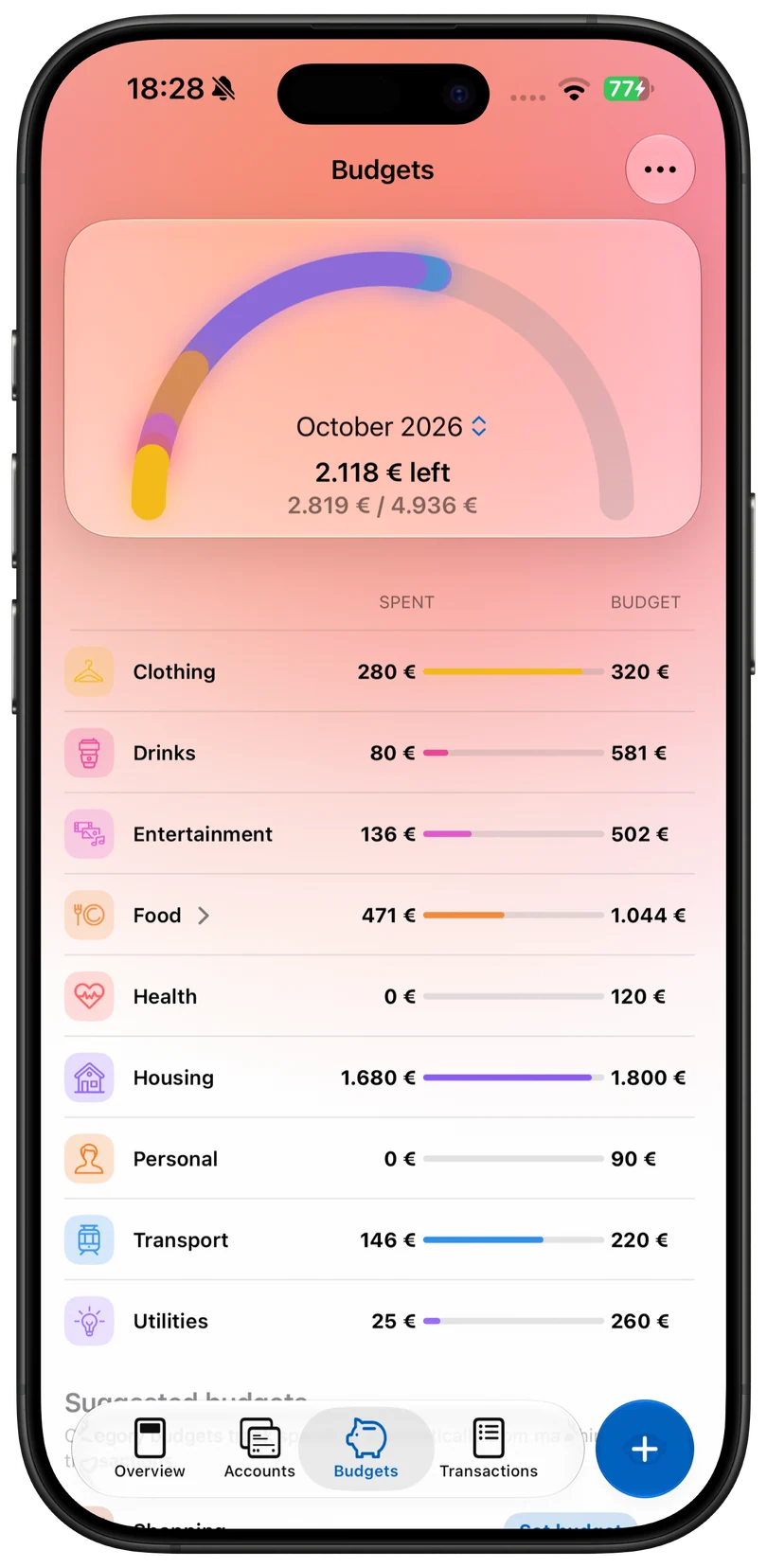
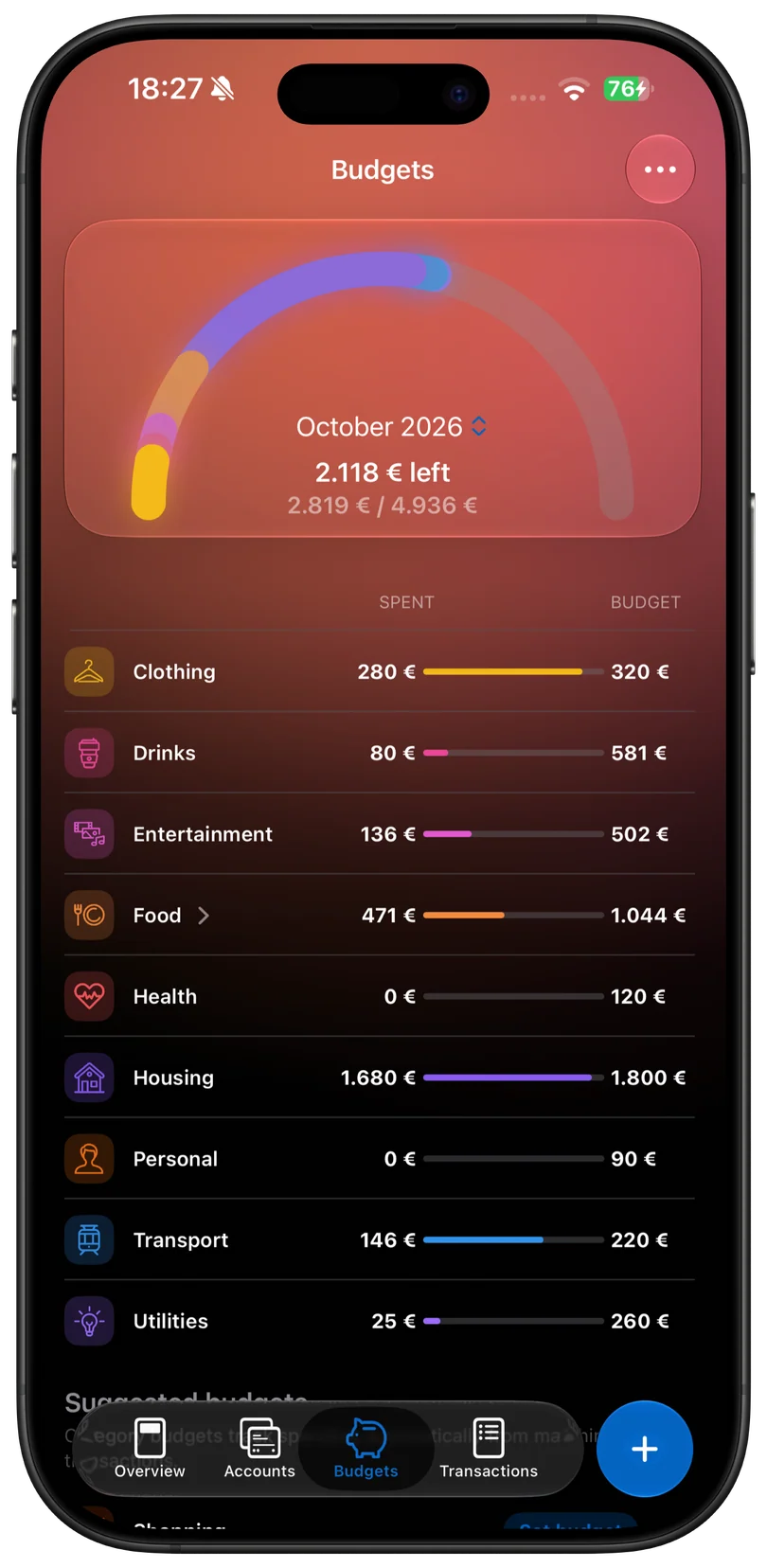
Your month, at a glance
Adjust your category budgets.
Food, family, transport, subscriptions, travel and your own categories. Top up, transfer or rebalance when priorities shift; rollover keeps unused room connected across months.
Understand spending.
Track your net worth.
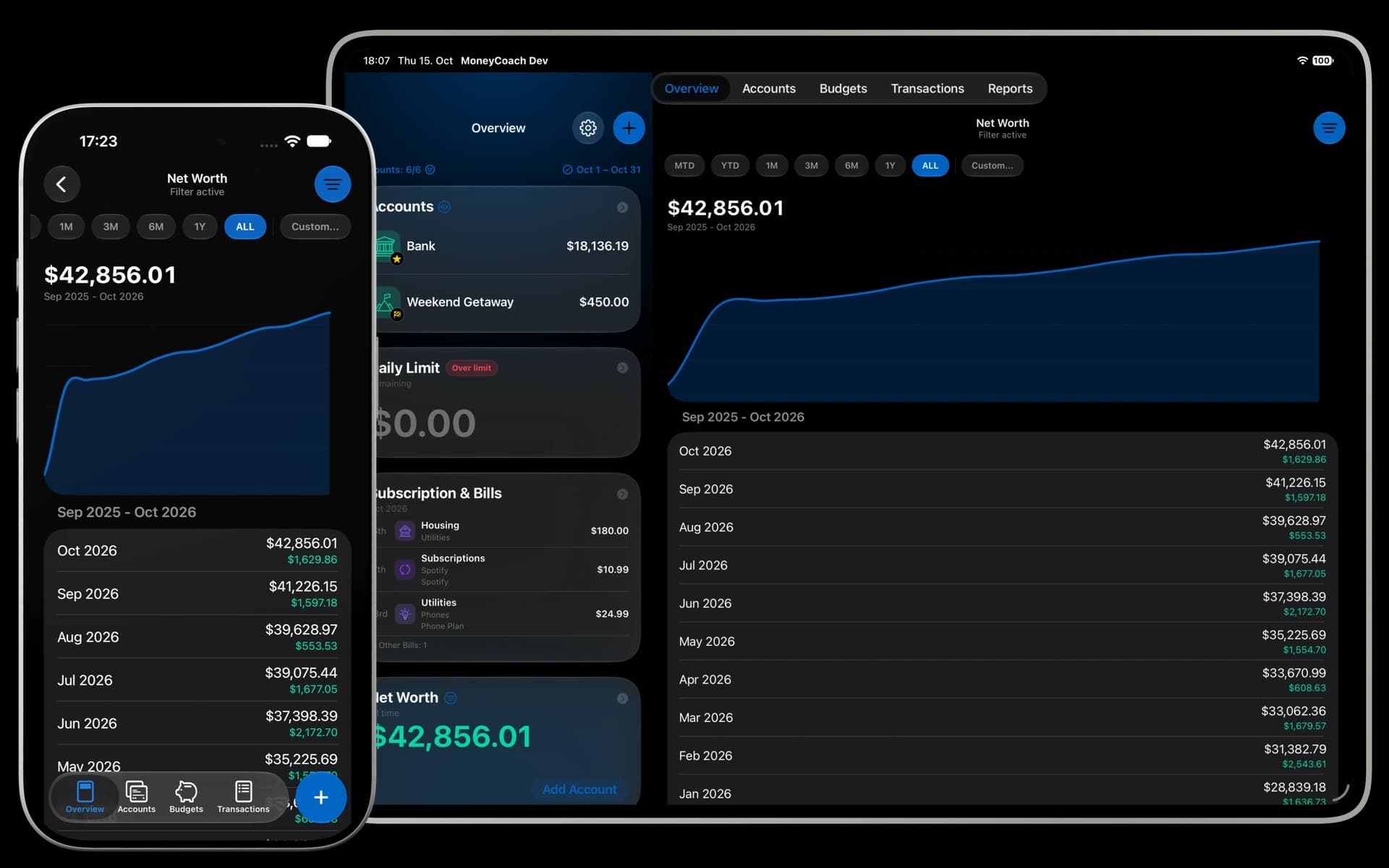
Your accounts, transactions, budgets, bills and net worth in one connected view.

See spending patterns
Understand categories, recurring charges and spending movement before the next decision.
Review income and expenses
Account balances, recent transactions and income versus expenses belong in the same conversation.
Plan your next month
Review the month, plan ahead and use practical signals without making money feel like homework.

Manage money together.
With Family Sync.
Share accounts, budgets and goals with your partner, even when you use different Apple IDs. Each person can personalize their own overview.
- Shared accounts, budgets and goals
- Works across different Apple IDs
- Personalize your own overview
Bring your spending together.
Make more of your data.

Import purchases
from Apple Pay.
Use a one-time Shortcut Automation to import Apple Pay / Wallet transactions after purchases. Keep MoneyCoach close with widgets, Live Activities, Shortcuts and Apple Watch.
Explore Apple Pay import
Which subscriptions are due this month?
7 active recurring costs. 3 are due in the next 30 days.
- Netflix · Jun 2
- iCloud · Jun 8
- Gym · Jun 18
Ask AI about
your finances.
With Premium Max, connect compatible AI assistants with read-only access after you opt in. Use local MCP clients on Mac or optional MoneyCoach Cloud sharing.
- Compatible MCP clients
- Read-only access, with your permission
- Subscription checks, budget reviews and planning prompts
Coming up
Track your bills
and subscriptions.
See what is coming, not just what already happened. Keep bills and subscriptions visible ahead of time, alongside the budgets and balances they affect.
Explore bills & subscriptionsSet savings goals.
Track your progress.
A vacation. An emergency fund. Debt payoff. A new Mac. Make the future visible and follow your progress towards the things that matter.
Explore goals & all features
One finance app.
For your Apple devices.
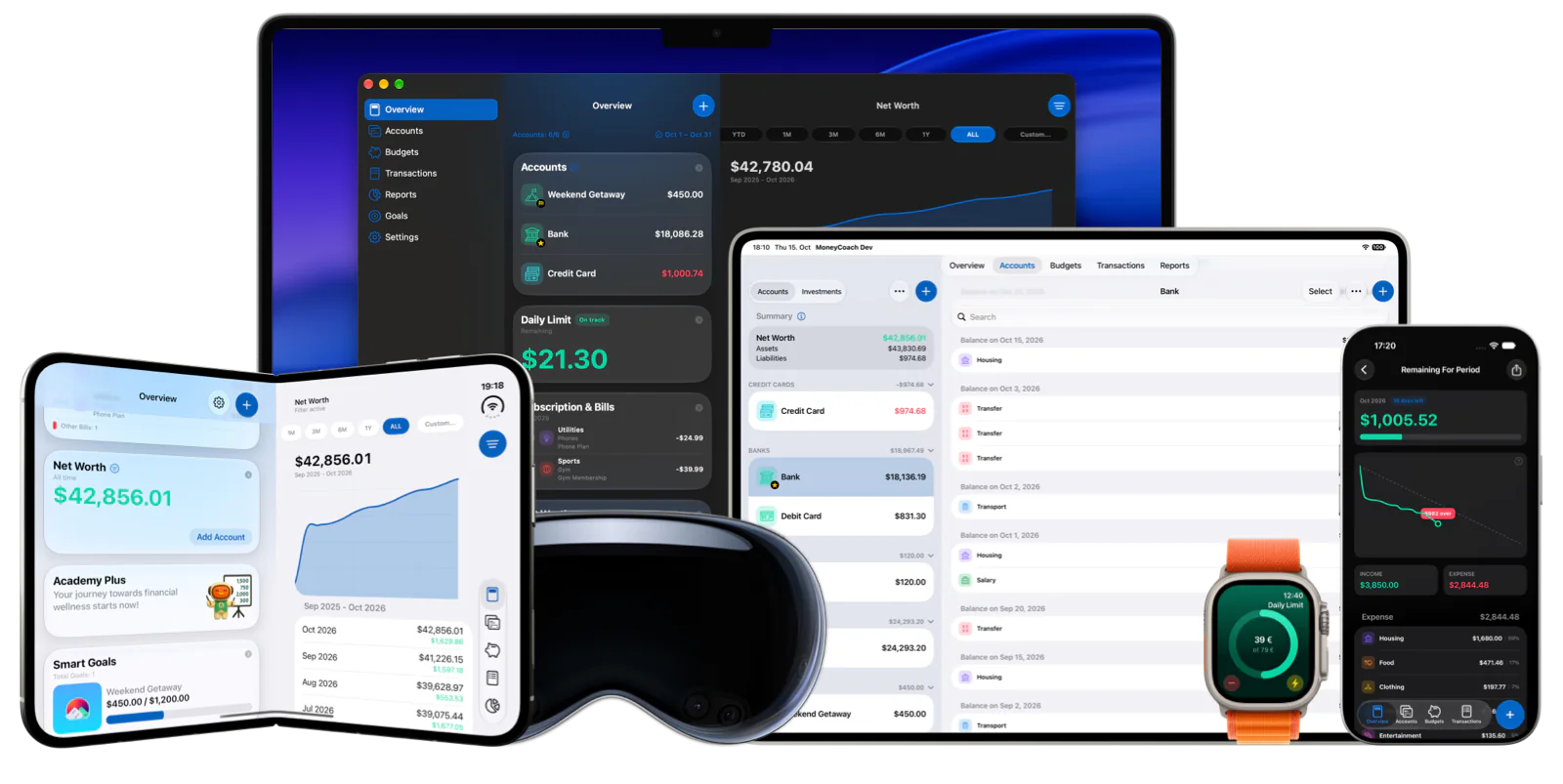
Made for your Apple world. From a quick check on your wrist to a bigger picture on your Mac.
- iPhone
- iPhone Duo
- iPad
- Mac
- Apple Watch
- Vision Pro
Built for each
Apple device.
Use optional iCloud sync to keep your plan across devices. Widgets, Shortcuts and Live Activities bring the useful details closer.
Private by design.
Sync when you choose.
Your financial life deserves care, clarity and respect. Your financial data stays on your device until you turn on a feature that shares it: iCloud sync, bank sync through Plaid (US) or GoCardless (Europe) and MoneyCoach’s banking service, or MoneyCoach Cloud sharing for AI assistants. No web dashboard required.
- On-device workflows
- Optional iCloud sync
- App Store payments
Questions about
MoneyCoach?
The practical details before you make MoneyCoach part of your day.
What is MoneyCoach?
MoneyCoach is an Apple-native budget tracker and personal finance app for tracking spending, planning budgets, managing bills, following net worth, and working toward money goals.
Can I use MoneyCoach without connecting a bank?
Yes. Manual accounts and expense tracking work without a bank connection. Connecting a supported bank in the US or Europe is optional. US connections use Plaid and European connections use GoCardless. Canadian bank linking is coming soon. Availability varies by institution and account.
Does MoneyCoach work across all my Apple devices?
Yes. MoneyCoach is available for iPhone, iPad, Mac, Apple Watch, and Apple Vision Pro, with optional iCloud sync to keep your financial plan available across devices.
Is my financial data private?
Your financial data stays on your device until you turn on a feature that shares it: iCloud sync, bank sync (through Plaid in the US or GoCardless in Europe, and MoneyCoach’s banking service) or MoneyCoach Cloud sharing for AI assistants (Premium Max). You can use the app without a web dashboard.
Can I try MoneyCoach for free?
Yes. MoneyCoach is free to download and starts with a free trial. After the trial, choose MoneyCoach Premium or Premium Max to keep your budgets, automation, and sharing going.
Try MoneyCoach.
Choose your plan.
Start with a free trial, learn your spending patterns, then choose MoneyCoach Premium or Premium Max to fit your money life.
Premium from €4.99 / month or €39.99 / year. Prices vary by region.
Take control
of your money.
Available on the App Store. In-app purchases apply.