Privacy-first finance
Privacy-First Budgeting App
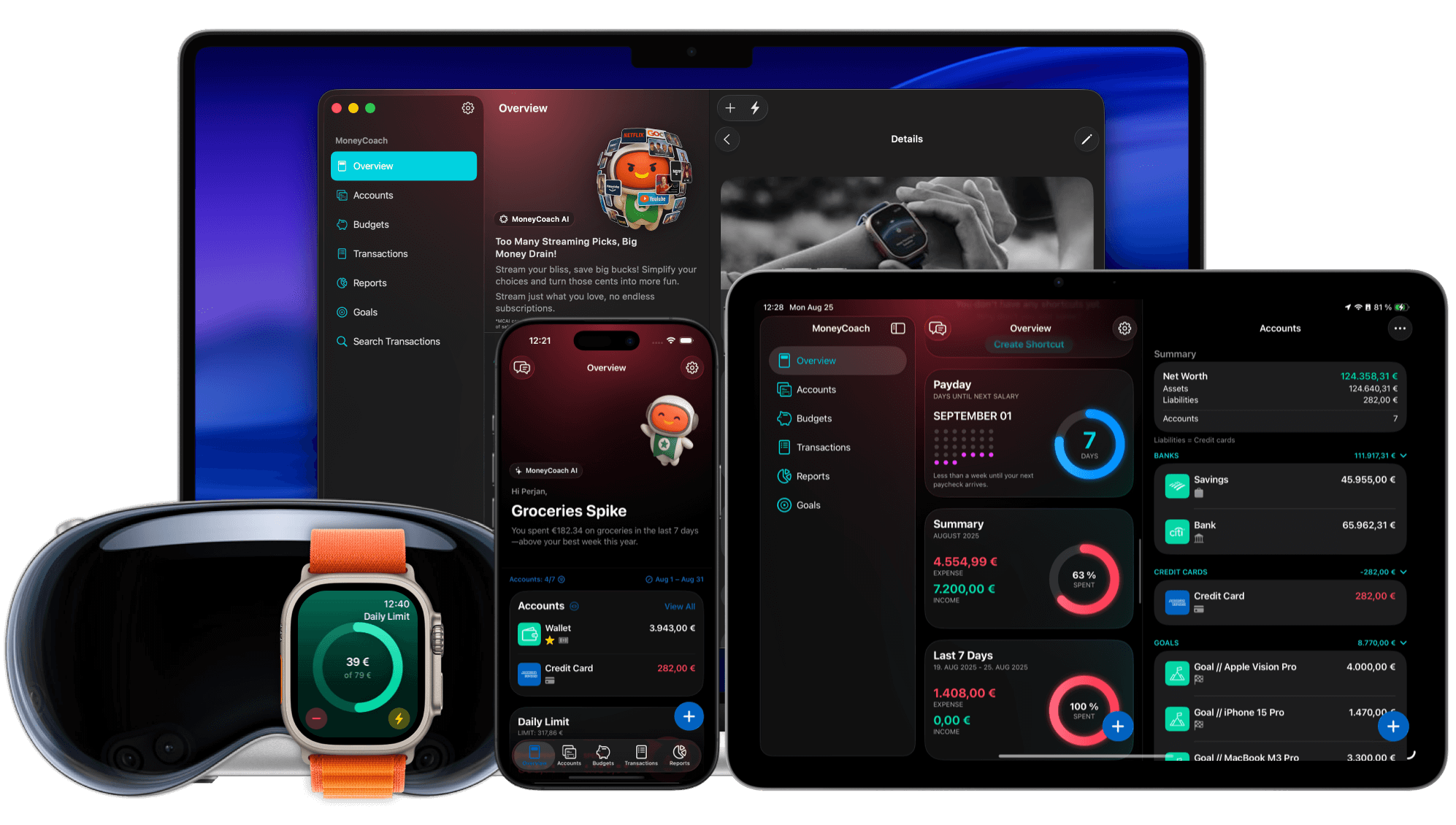
MoneyCoach is a privacy-first budgeting app for people who want control before automation. You can budget manually, keep bank linking optional, import Apple Pay / Wallet transactions with Shortcuts, use your Apple devices, and protect sensitive financial data while still getting reports, goals, Family Sync, and Category Budgets.
You can use manual accounts without a forced bank login.
12+
years of updates
MoneyCoach has a long product history.
1M+
downloads
A mature app used by a large customer base.
Read-only
bank access
Online banking connections cannot initiate payments from MoneyCoach.
Short answer
MoneyCoach is a privacy-first budgeting app for people who want control before automation. You can budget manually, keep bank linking optional, import Apple Pay / Wallet transactions with Shortcuts, use your Apple devices, and protect sensitive financial data while still getting reports, goals, Family Sync, and Category Budgets.
Start with the right fit
Who this privacy-first approach is for
You want useful budgeting without being forced to connect your bank.
You prefer Apple-native workflows and optional iCloud-based sync.
You want read-only online banking only when it is worth the tradeoff.
You want a long-running finance app with support, reviews, and visible product history.
Decision guide
Privacy-first budgeting choices
Use control as the default
Begin with the privacy-first workflow, then choose optional sync, Family Sync, or online banking only where the added convenience is worth it.
MoneyCoach workflow
How MoneyCoach protects user control
- Manual accounts let you budget without sharing bank credentials.
- Apple Pay / Wallet import can automate eligible purchases without starting from a bank login.
- Online banking is optional and uses read-only access for supported European banks.
- Apple platform support keeps the workflow close to devices you already use.
- PIN, Face ID, and Incognito Mode help protect sensitive app views.
- Support, reviews, and long-term product history provide trust signals beyond a landing page claim.
What privacy-first does and does not mean
Privacy-first does not mean every workflow is offline-only; it means you choose the level of automation.
Manual control can require more attention than automatic imports.
Some features, such as Family Sync or online banking, depend on external platform services.
★★★★★Awesome
“I've been looking for an app where you don't have to link your accounts and cards, but rather do it manually. This works perfectly for me.”
- Mackinzee, App Store review
Next steps
Related MoneyCoach guides and features
Use these pages to move from research into a practical MoneyCoach setup.
Privacy-First Budgeting App FAQ
Is MoneyCoach privacy-first?
MoneyCoach is designed around user control: manual tracking works without a bank connection, online banking is optional, and the app includes privacy-focused controls like PIN, Face ID, and Incognito Mode.
Does MoneyCoach require connecting a bank account?
No. You can use MoneyCoach with manual accounts and CSV import. Supported European bank connections are optional.
Can MoneyCoach move money from my bank account?
No. MoneyCoach online banking access is read-only for supported banks and is used to check balances and import transactions.
Can I use Apple Pay import and still avoid bank linking?
Yes. Apple Pay / Wallet import uses a Shortcuts workflow for eligible Wallet transactions, so it can support a privacy-first setup without making bank linking the starting point.
What is the lowest-risk way to try a private budget app?
Create one manual account and one category budget first. That keeps the commitment small, shows value quickly, and lets you decide later whether Apple Pay import, CSV import, Family Sync, or bank sync is worth adding.
Does privacy-first mean no automation?
No. Privacy-first means automation is chosen deliberately. You can use manual accounts, Apple Pay import, CSV import, sync, or read-only online banking depending on the tradeoff you want.
Build a budget you can actually keep
MoneyCoach helps you track spending, plan budgets, review reports, and reach goals across the Apple devices you already use.
MoneyCoach UG, Berlin. Learn more at About Us or contact support at info@moneycoach.ai.