Searching for the best budgeting app for iPhone usually leads to long feature lists and vague rankings.
A better approach is to choose based on one question: Which app helps you make better money decisions with the least friction every week?
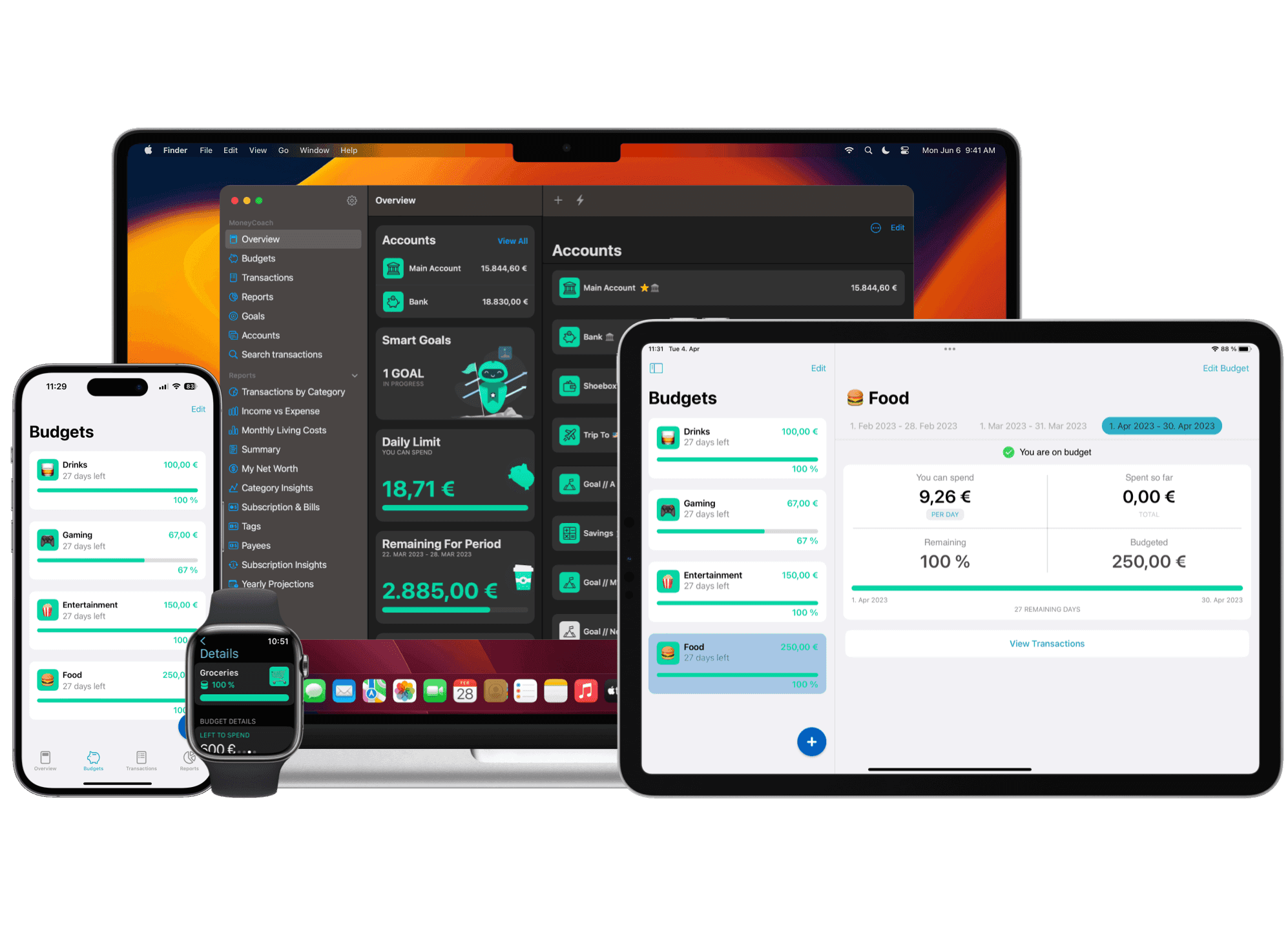
If you already know you want an Apple-native app, start with the dedicated Best Budgeting App for iPhone page. This guide explains how to evaluate the category; the landing page shows how MoneyCoach fits that decision.
This guide gives you a practical evaluation framework you can apply in one session.
What "best" should mean for your budgeting app
The best app is not the one with the most features. It is the one you consistently use.
For most iPhone users, that means:
- Fast capture of transactions.
- Clear monthly category visibility.
- Useful reminders and review workflows.
- Reports that highlight trends you can act on.
If you want a refresher on budgeting fundamentals, start here: The Ultimate Guide to Using a Budget Planner Effectively.
7 criteria to evaluate before you commit
1) Speed of daily use
Can you add and categorize transactions in seconds? Slow input kills consistency.
2) Category clarity
Do categories make it obvious where you are over plan this month?
3) Review workflow
Does the app support a weekly review habit, not just data entry?
4) Goal alignment
Can you connect daily budgeting to bigger goals like debt payoff and retirement?
5) Collaboration options
If you share finances, can your partner see and act on the same budget context?
6) Reporting usefulness
Do reports answer real questions (where drift is happening, what changed, what to fix)?
7) iPhone-native quality
Does it feel built for iOS behavior (quick input, glanceable views, smooth navigation)?
Red flags when comparing iPhone budgeting apps
- Too many setup steps before first value.
- Beautiful dashboards but weak category control.
- Generic insights that do not inform action.
- No clear workflow for weekly budget correction.
Quick scoring model (use this today)
Score each app 1-5 in the seven criteria above.
Weight these areas higher if your budget keeps slipping:
- Daily use speed
- Category clarity
- Review workflow
The app with the highest weighted score is your best candidate, even if it is not the most popular option.
How to run a real-world 30-day test
- Import or enter all regular spending categories.
- Run one weekly review every 7 days.
- Track whether your top overspend category improves by week 3.
- Check if the app helped you make at least two better money decisions.
No measurable behavior improvement means it is not the right app for you.
Connect daily budgeting to bigger decisions
A strong iPhone budgeting workflow should connect to planning tools, not replace them.
Recommended stack:
- Daily/weekly budget execution in your app.
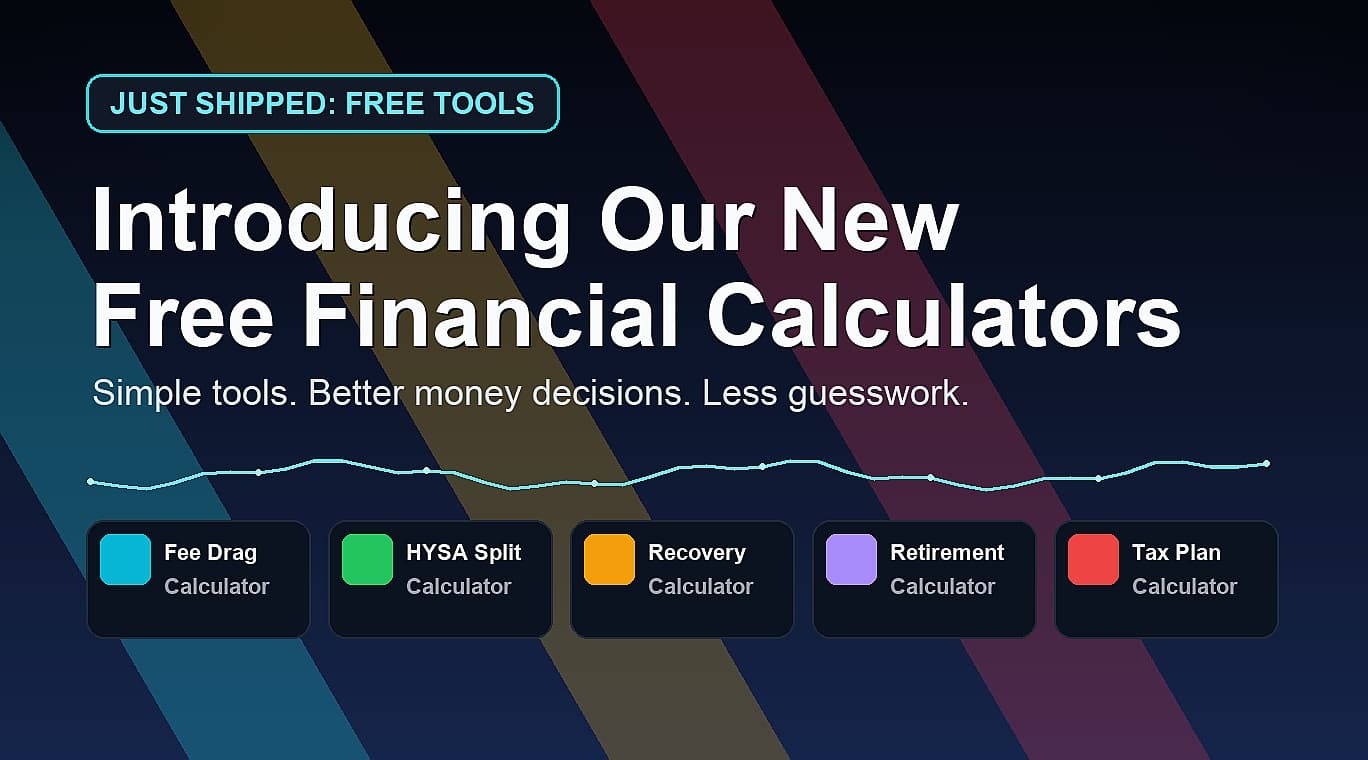
- Strategic planning in focused calculators from the Free Financial Calculators & AI Tools hub.
- Debt timeline planning with the Credit Card Payoff Calculator.
- Long-range target planning with the Retirement Calculator.
Final takeaway
The best budgeting app for iPhone is the one that improves your weekly decisions, not just your monthly charts.
Pick the app that helps you act faster, review consistently, and connect everyday spending to long-term goals.