Let's learn about budgets, goals, and sync
Now that your basics are in place, use MoneyCoach to plan category limits, save toward goals, and keep your data available on the right devices.
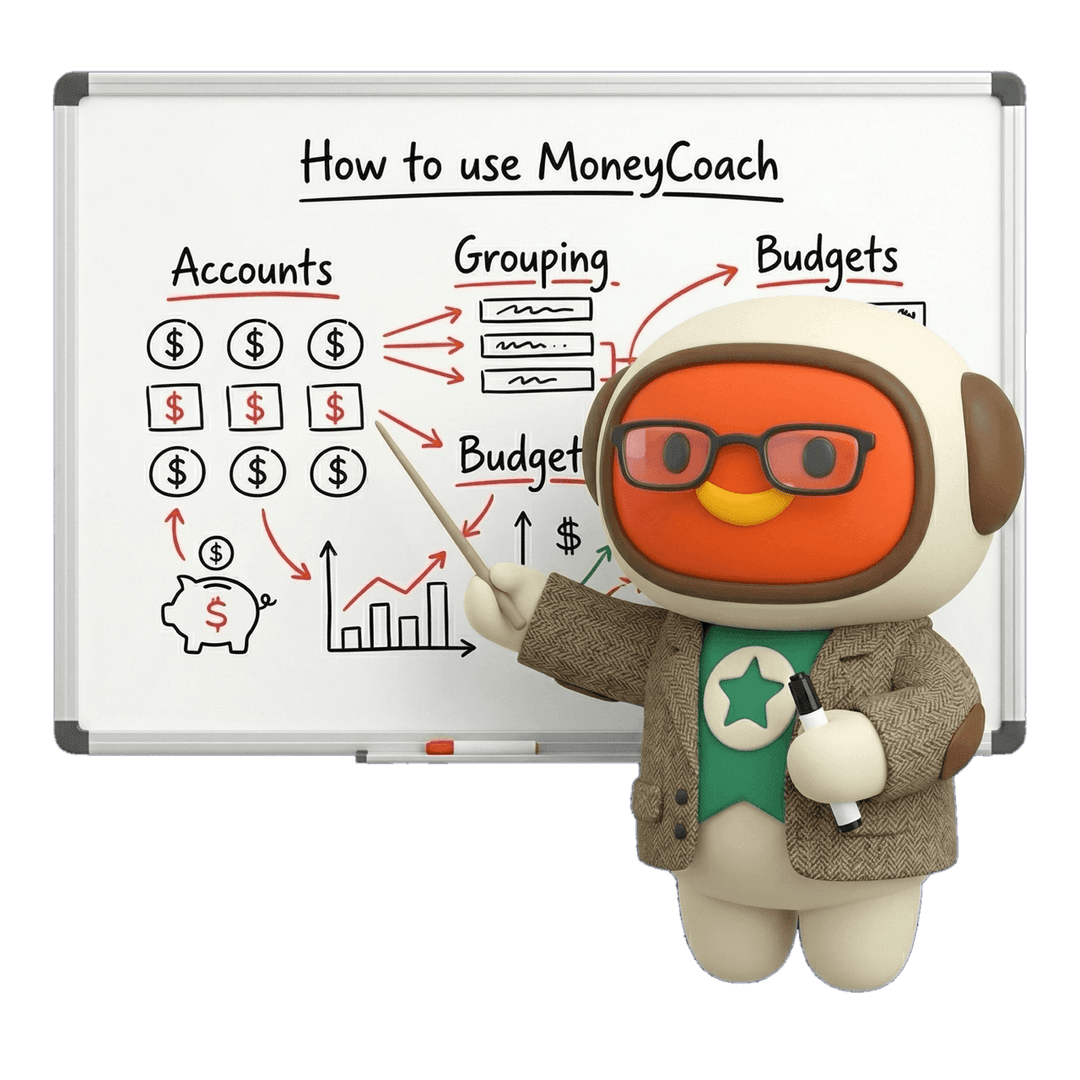
Save Money With Budgets
Create category budgets or classic budgets, set monthly limits, and let MoneyCoach update progress automatically from your expense transactions.

Achieve Your Dreams With Smart Goals
Create a Smart Goal with a target amount, optional deadline, and image, then fund it by transferring money into the goal account.

Sync Data Across Your Devices
Use Individual Sync when your devices share the same Apple ID and you want your MoneyCoach data synced through iCloud.

Share Data With Your Family
Use Family Sync when you want to share one MoneyCoach dataset with another Premium user using a different Apple ID.

Use Budgets and Goals Together
See how a real purchase plan can combine budget control with a Smart Goal so saving for something specific stays practical.

Troubleshoot Individual Sync
If your devices are not showing the same data, use the Individual Sync checklist before changing your setup.

Edition 5 complete
You can plan and sync with more intention
Budgets, Smart Goals, Individual Sync, Family Sync, and shared saving plans are now connected. Next, personalize MoneyCoach so it matches how you actually review your money.